


The Problem With Signing Up a Merchant
Getting a business onto Madfu as a merchant partner used to take days.
Not because the requirements were unusual — every BNPL platform needs to verify who it's working with. But because the entire process was built around a single assumption: that a human would handle it. A merchant would fill out one long form on the website, submit it, and then wait. Someone from the Madfu team would contact them, ask for additional information, manually cross-reference their details across external tools — SPARE for IBAN verification, Faceki for identity checks — and eventually move the merchant forward if everything checked out.
That manual layer was where merchants dropped off. By the time follow-up happened, the interest was gone. The friction wasn't in what was being asked — it was in how long it took for anything to happen.
The brief was to eliminate that gap. Design a merchant onboarding flow that could do in minutes what the old process was doing in days — without cutting any corners on compliance or verification.
What Was There Before
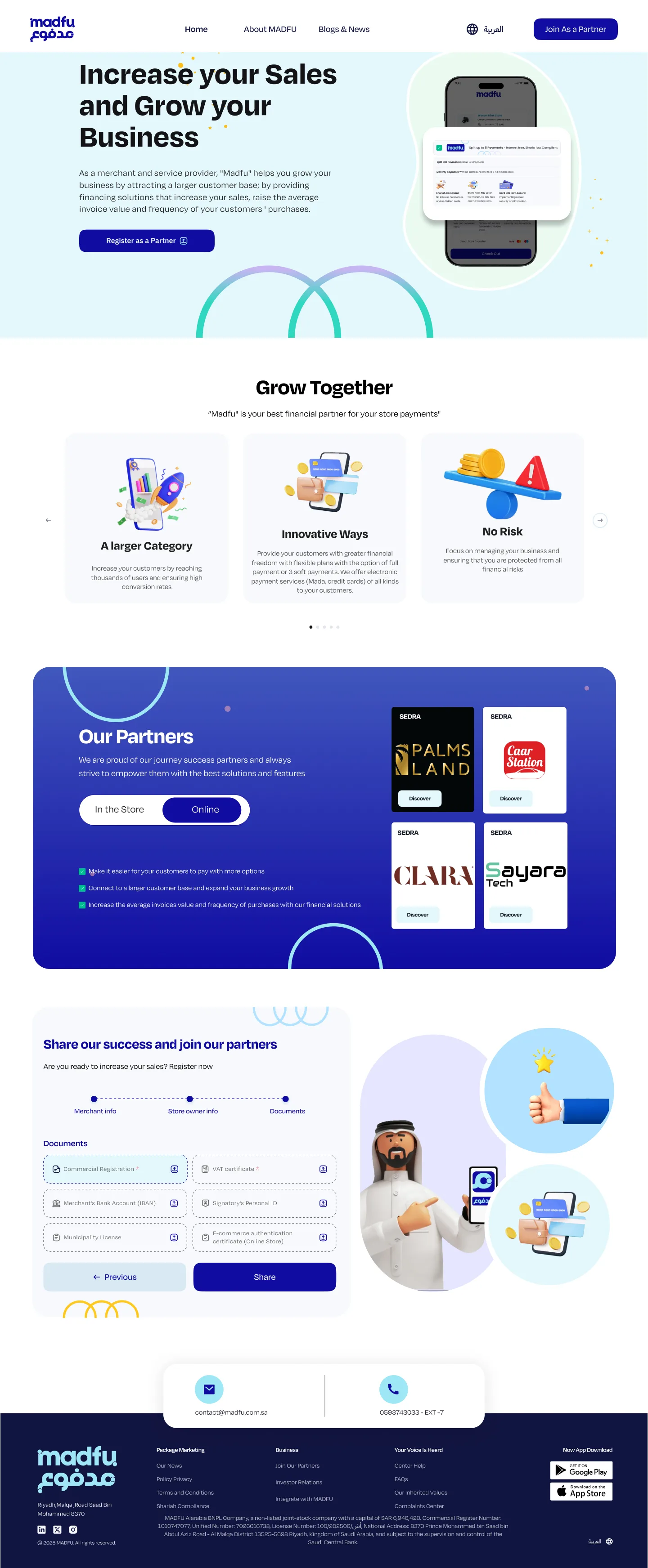
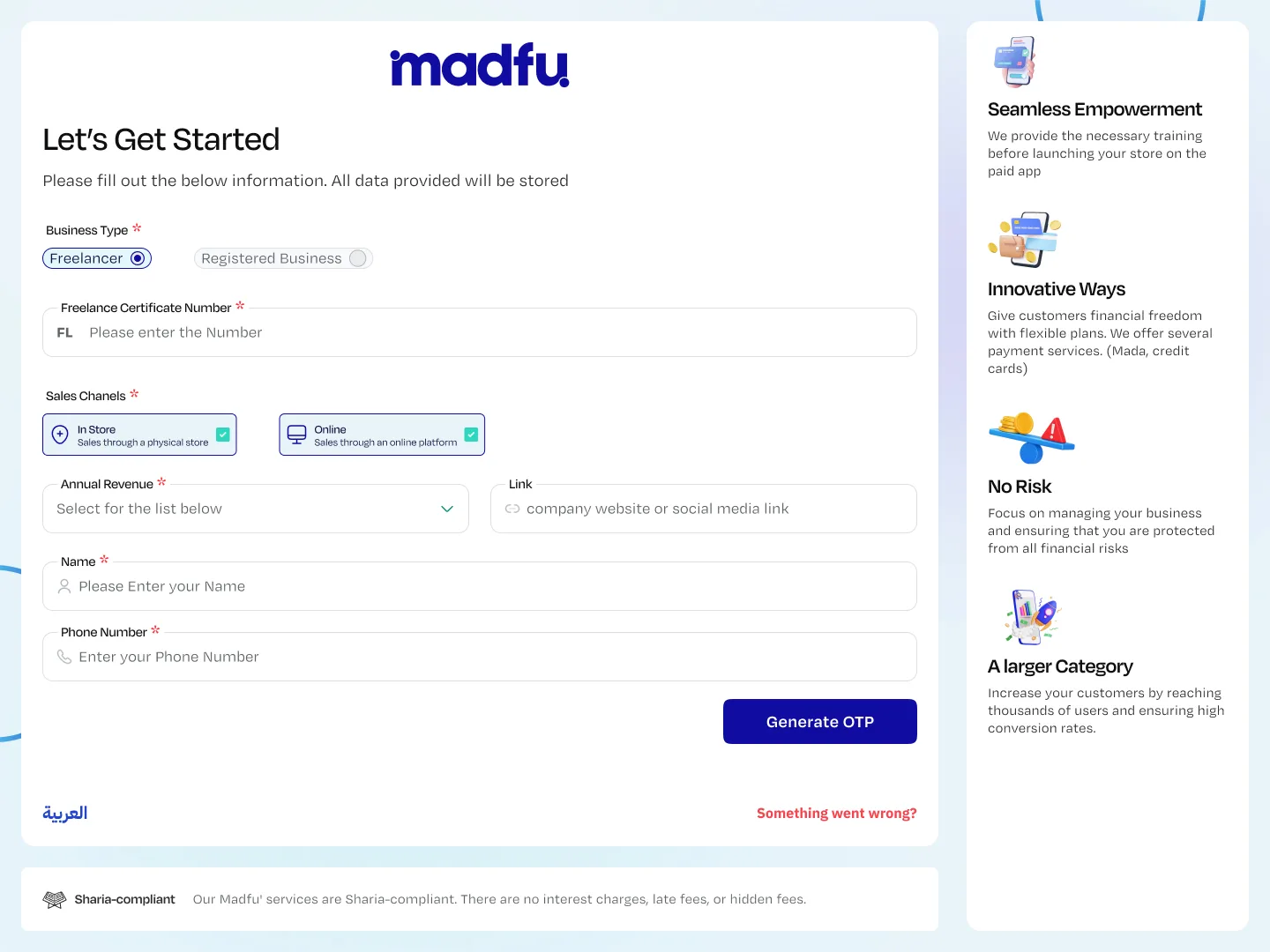
The old "Join as a Partner" page directed merchants to a single form: License Type, Merchant Name, Phone Number, Brand Name, Store Start Date, Sales Channels, Platform List, Platform URL, Annual Revenue, Business Activity — everything stacked on one page, one submit button, and then silence.
There was no indication of what happened next. No timeline. No self-service path. No way for a merchant to know whether their application was moving or sitting in a queue. The form collected information that couldn't even be acted on without manual external lookups. And because every verification step required a person, the process scaled with headcount rather than with the product.
- Single form with 10+ fields, all at once
- No confirmation of what happens next
- Manual verification across 3 external tools
- Days of back-and-forth before any progress
- No tracking — merchants had no visibility on status
- Process scaled with headcount, not the product
- 4 focused stages — each with a clear purpose
- Offer shown upfront before any data is collected
- 11 API integrations automating every verification step
- Complete in under 10 minutes, at any time
- Progress saves automatically — pause and return
- Fully self-serve — no Madfu staff needed to proceed
Discovery — The Website Redesign
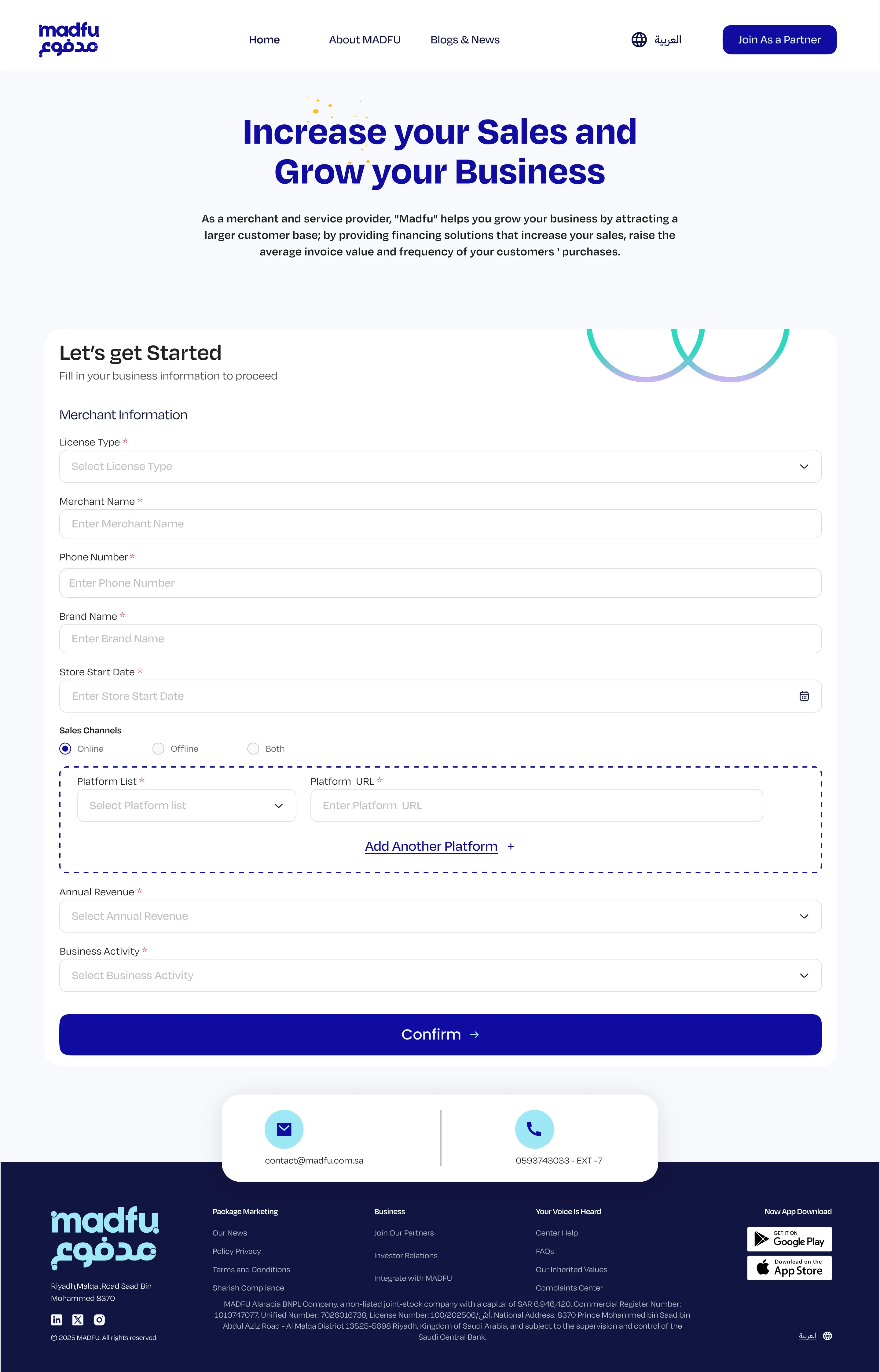
The redesign started before the flow itself. The merchant-facing landing page was rebuilt to lead with what matters to a business owner: a 30% increase in order value, a 40% higher conversion rate, weekly payment transfers, zero financial risk, and an advanced dashboard to manage it all.
By the time a merchant clicks "Get Started," they already know exactly why they're there. The website isn't a form page anymore — it's a value proposition. And it does the qualification work before a single field is filled in.
Lead Generation — Qualify First, Ask Less
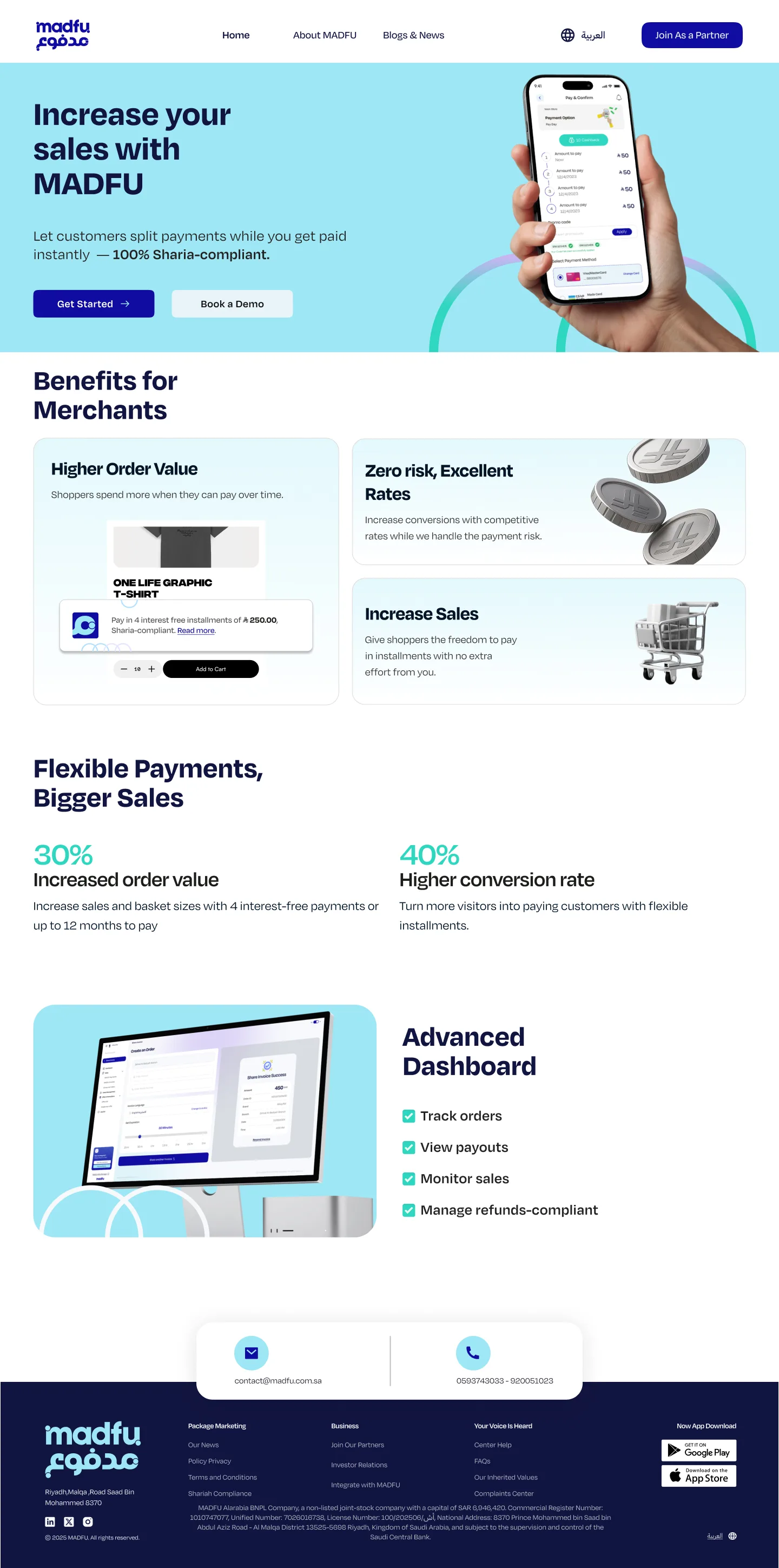
The Lead Gen form is the first thing a merchant fills out — and it was designed to ask only what's needed to qualify them, nothing more.
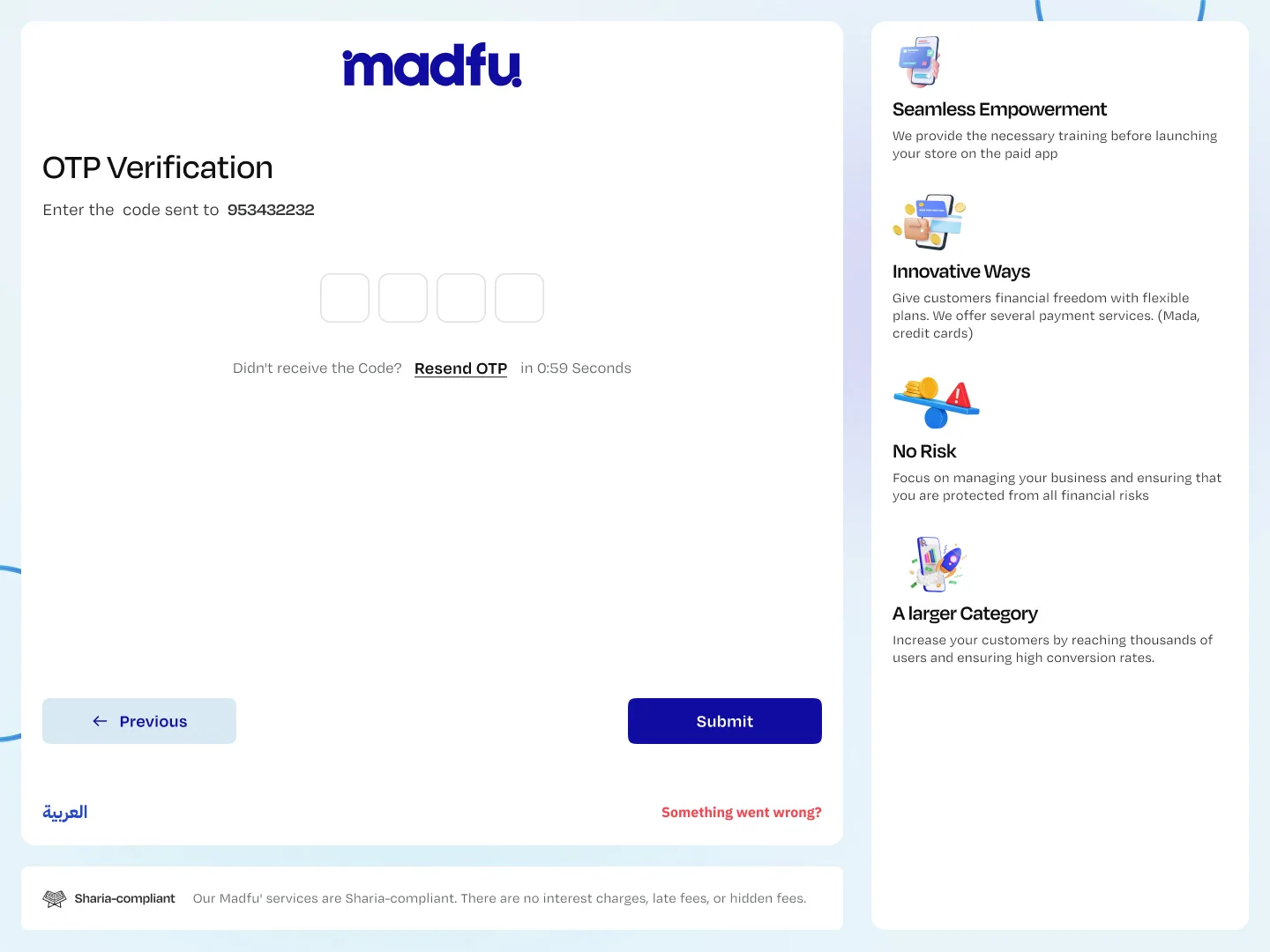
Business type is selected first: Freelancer or Registered Business. The form adapts accordingly. Sales channels, annual revenue, a contact name, and a phone number. That's it. An OTP is sent immediately via SMS Gateway to verify the number — the first of 11 integrations, firing in real time.
The Revenue Gate
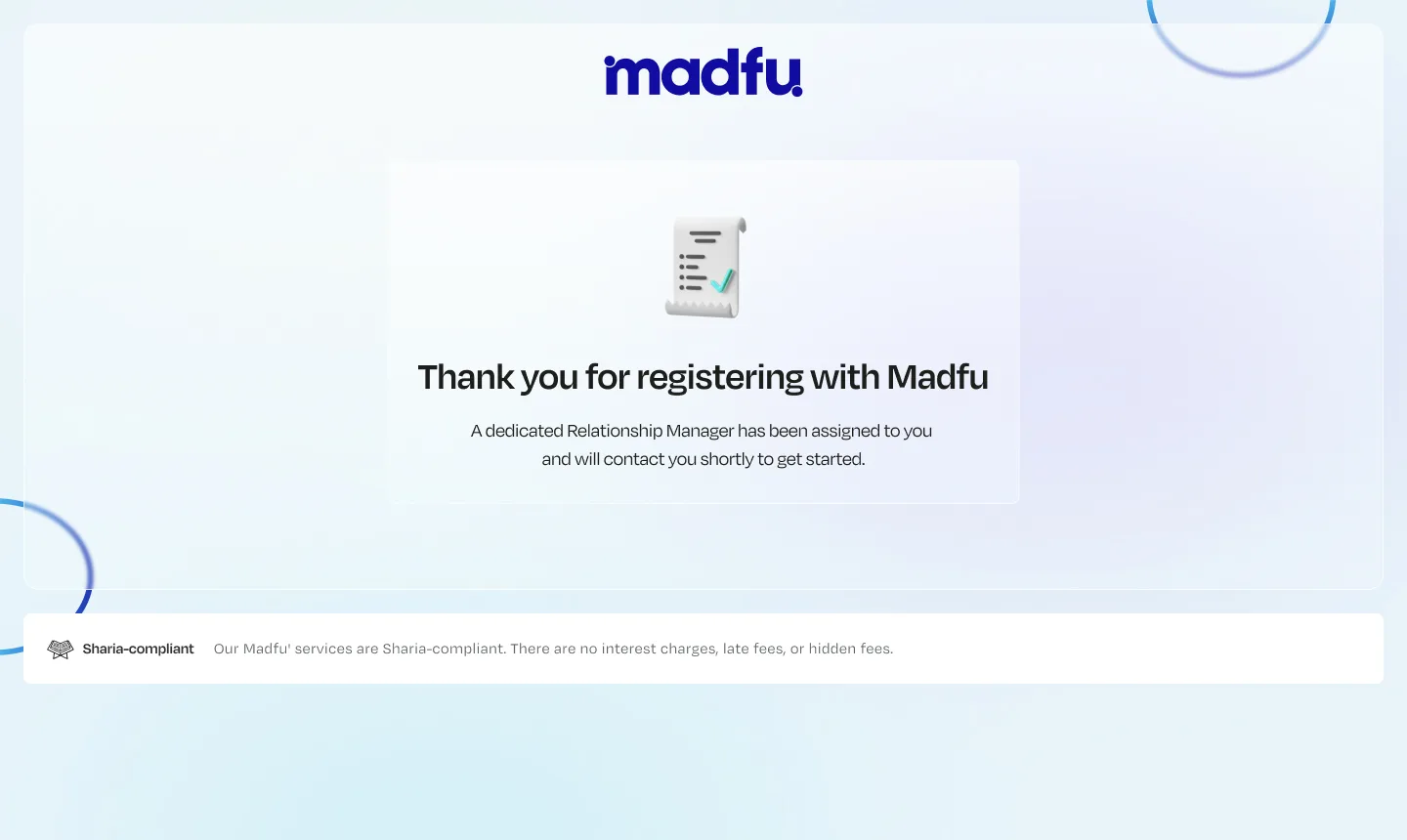
If a merchant reports annual revenue above 20 million SAR, the flow ends there — but not with a dead end. A dedicated Relationship Manager is automatically assigned, their details are pushed to AlMasmak's high-revenue pipeline, and the merchant sees a confirmation that someone will be in touch to handle the rest personally.
Premium merchants get a premium process. Standard merchants continue. And if the offer is rejected at any point, AlMasmak Rejection captures the reason — so the sales team always knows why a merchant walked away.
Offer — Value Before Data
Before a merchant commits to a single piece of personal or business information, they see exactly what they're signing up for.
The Offer screen presents the full partnership terms: a 7% special discount on activation, weekly payment transfers, instant processing, marketing support through Madfu's channels, and 5–6 installment options for their customers. Two actions: "Claim Offer" or "No Thanks." The merchant decides before the process goes further.
This was a deliberate design choice. Showing the offer upfront respects the merchant's time and filters out anyone who was never going to convert — meaning the merchants who do continue are already bought in.
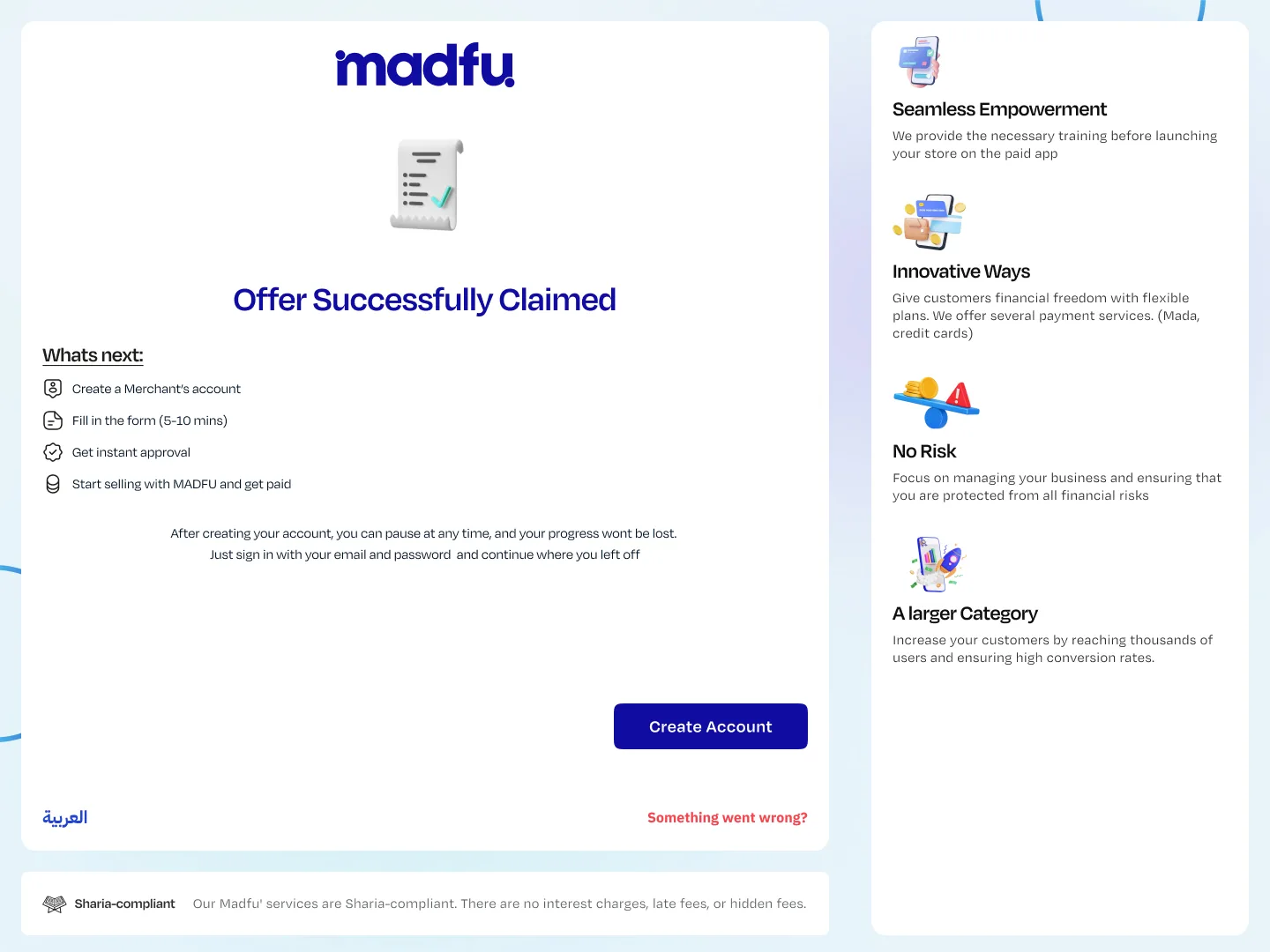
After claiming, a "What's Next" screen sets clear expectations: create an account, fill in the form (5–10 minutes), get instant approval, start selling. Crucially, merchants are told their progress saves automatically — they can pause and return without losing anything.
.webp)
Self-Onboarding — No Human Required
This is where the old process required a person. The new flow doesn't. Underneath a clean, step-by-step experience, 11 API integrations run every check that a Madfu team member used to perform manually — in real time, invisibly, while the merchant fills in the next field.
Account Creation
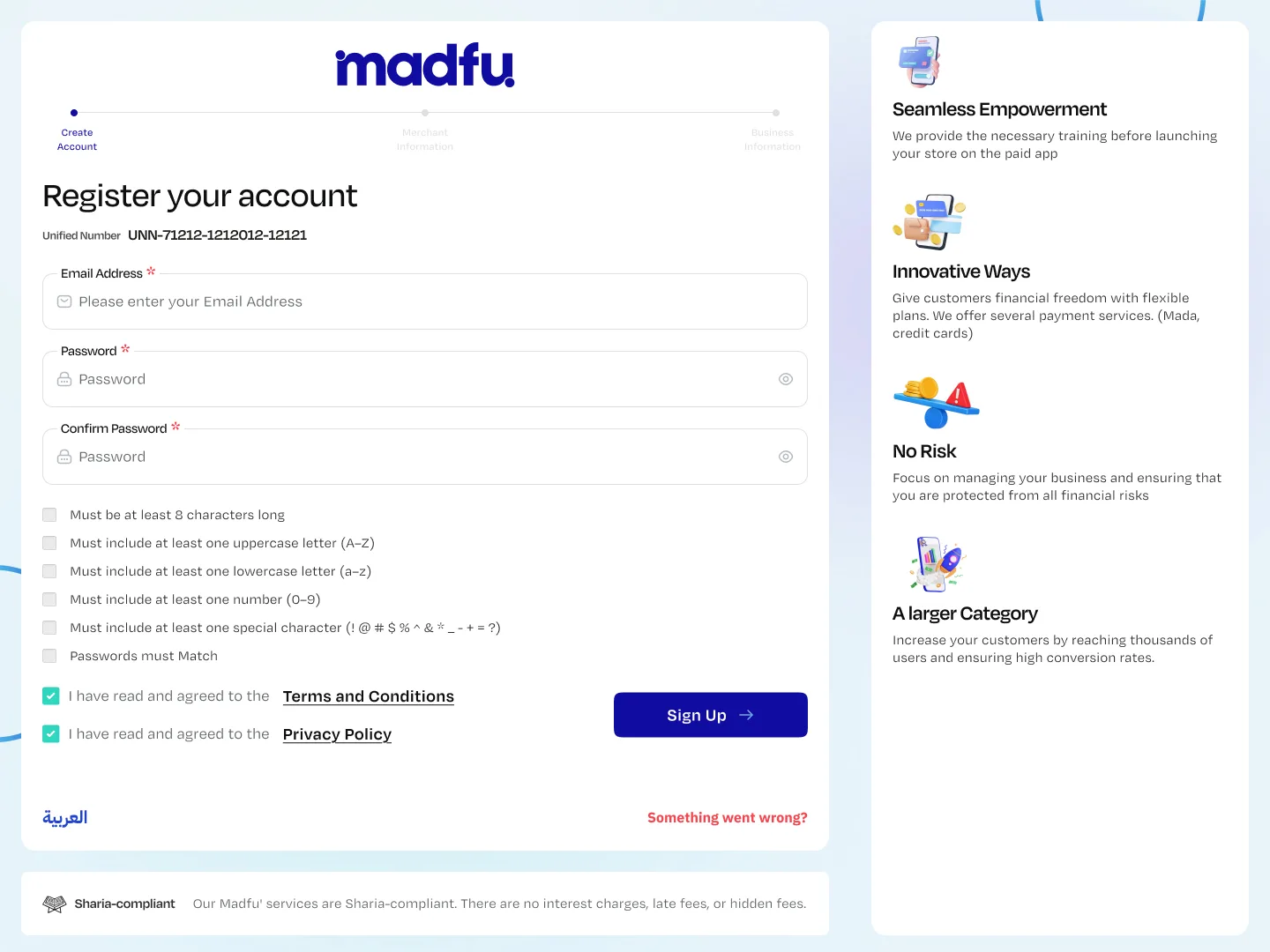
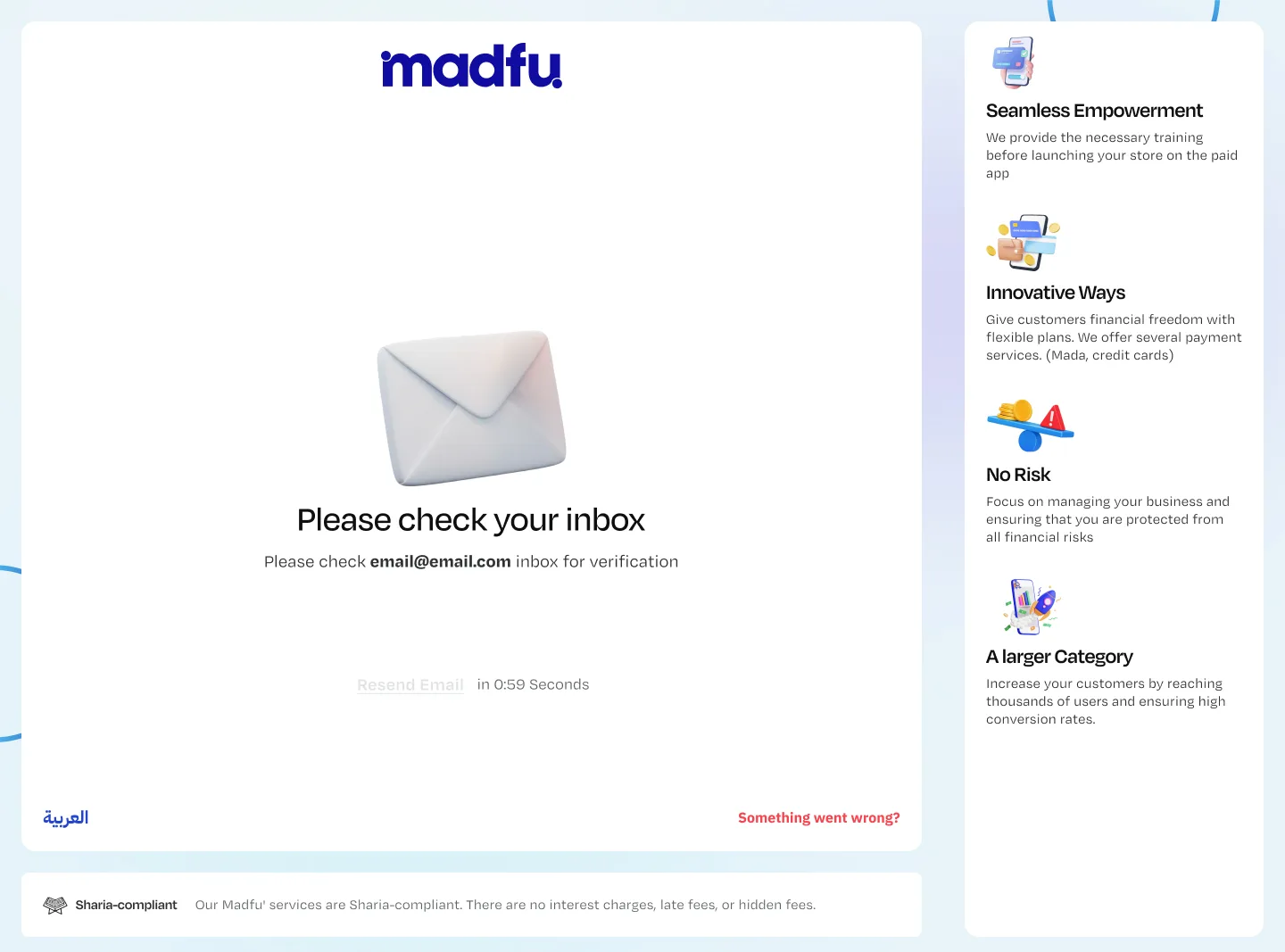
Email, password, confirm password — with live validation rules that check off in real time as the merchant types. Email verification is sent immediately via the Email Server integration, confirming ownership before the merchant moves forward.
Merchant Information — Branching Paths
The form branches based on the business type selected during Lead Gen.
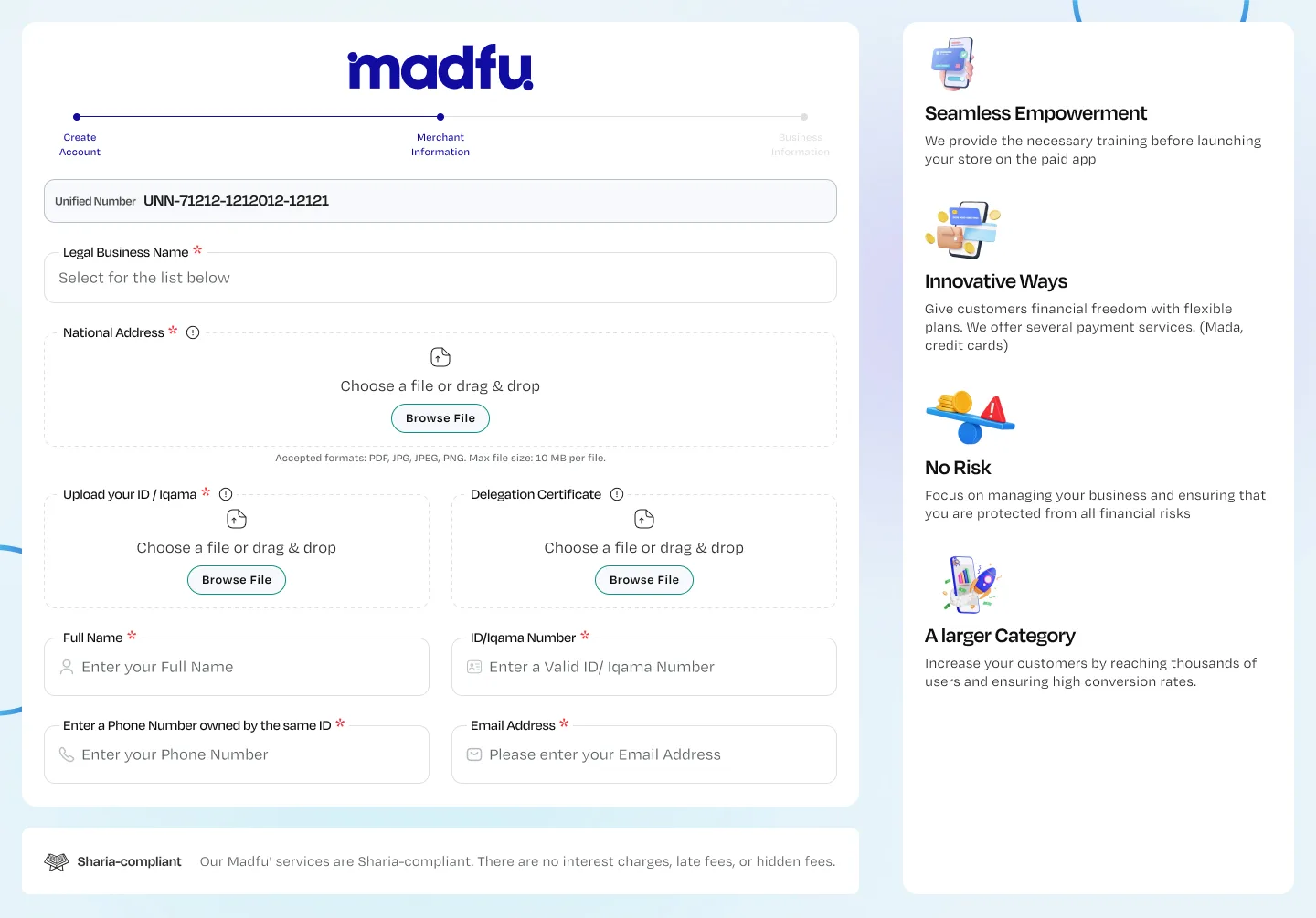
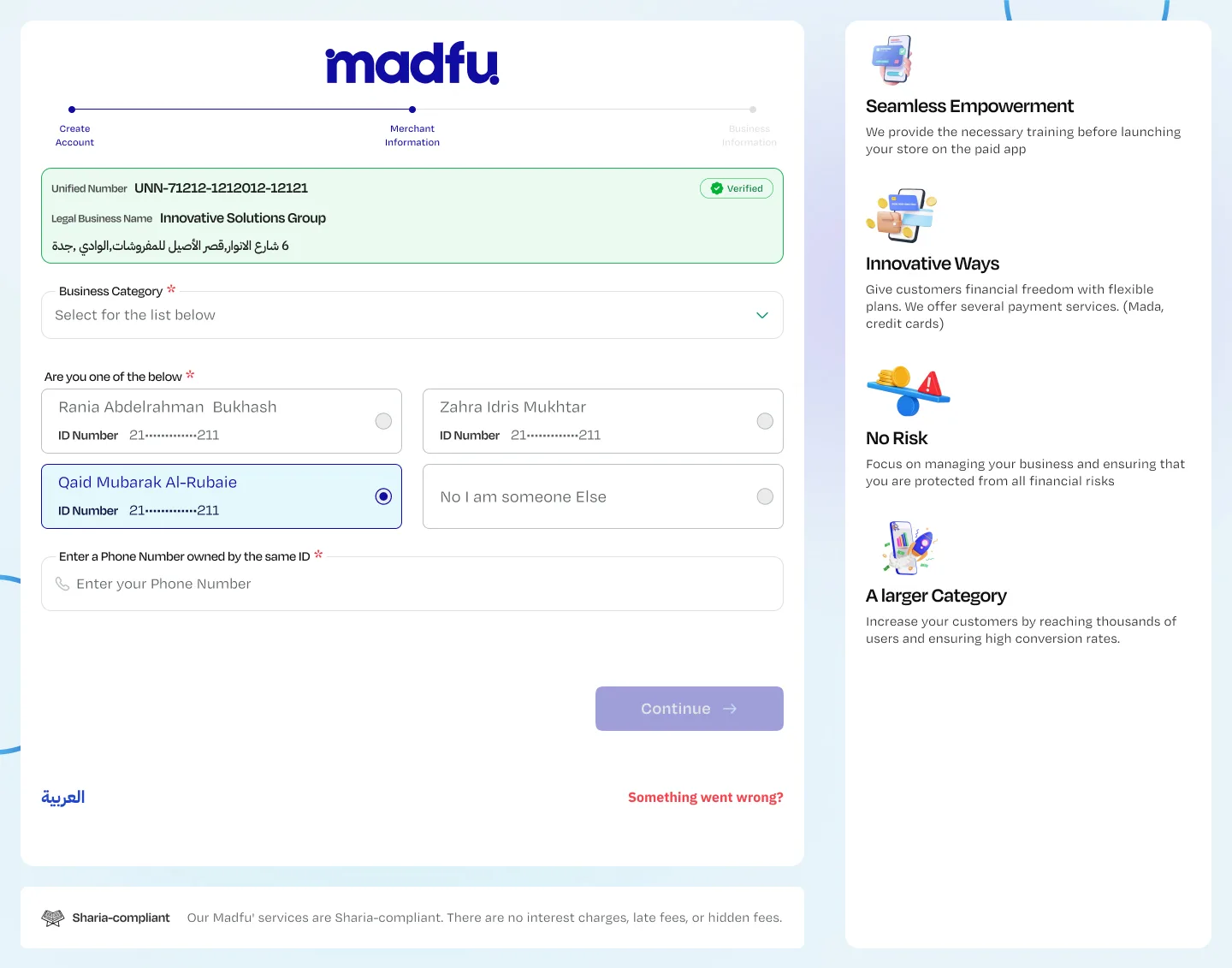
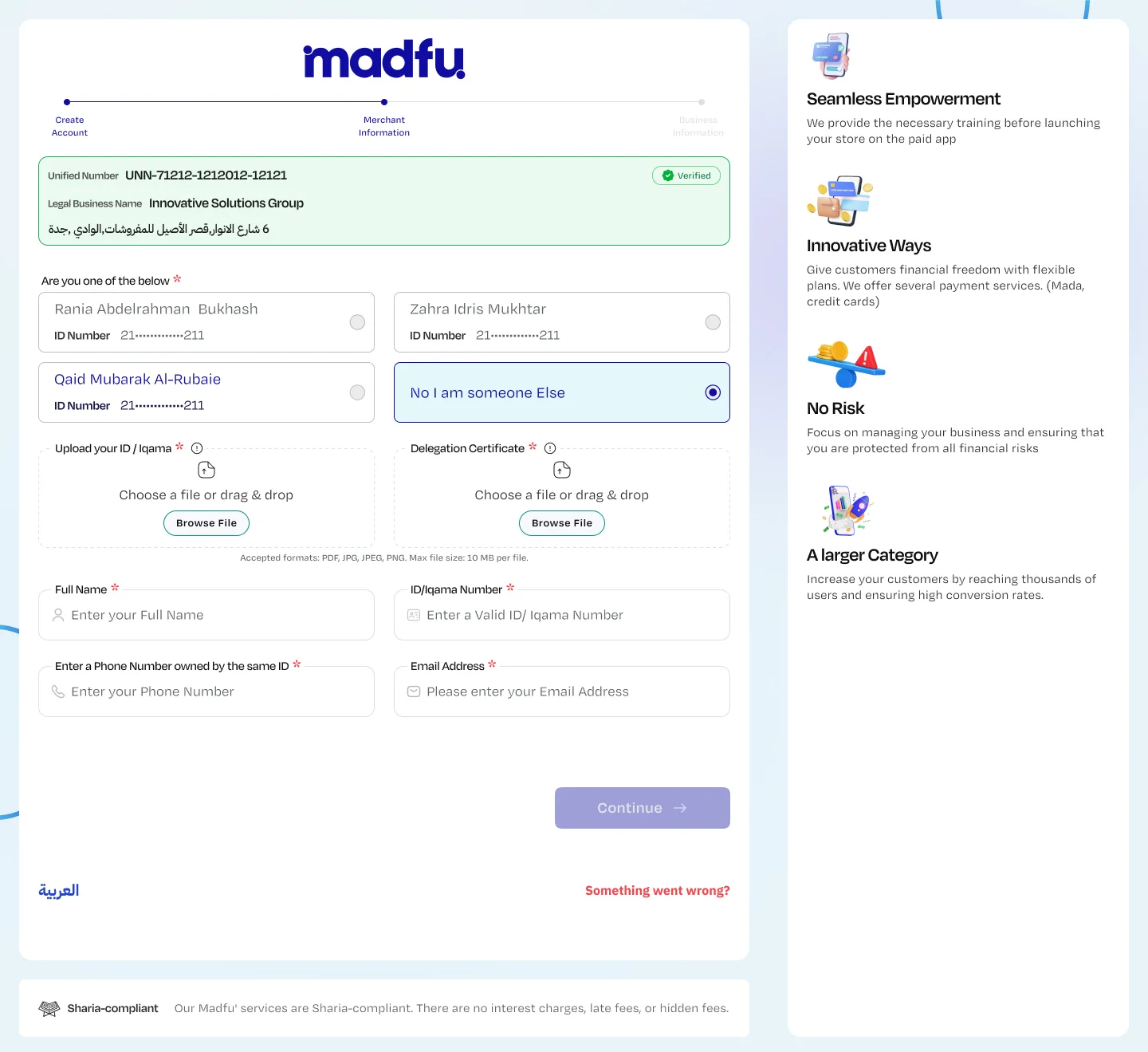
For Registered Businesses, the merchant enters their Unified Number. WATHQ fires immediately — pulling the legal business name, national address (via SPL), and the list of registered business owners directly from government records. The merchant selects themselves from the returned list, or indicates they're acting with delegation rights. ELM then verifies that the phone number entered is registered to the same ID. Documents are uploaded via drag-and-drop.
For Freelancers, the Freelance Certificate Number drives the same verification logic — pulling available ownership data and adapting the required document set accordingly.
What used to require a Madfu team member to manually check across three external systems now completes in seconds — invisibly, while the merchant fills in the next field.
Registered Business Path
Freelancer Path
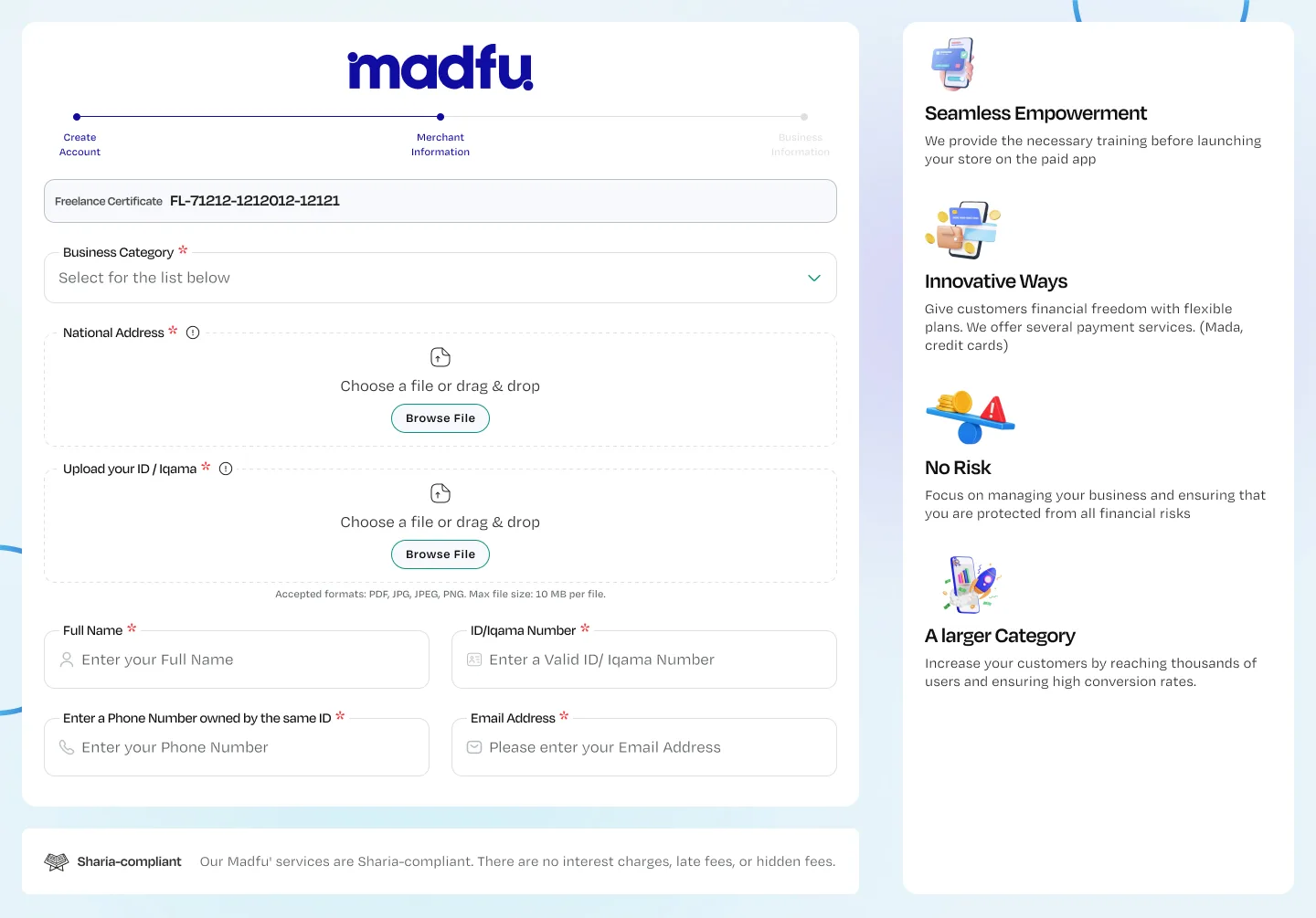
Business Information
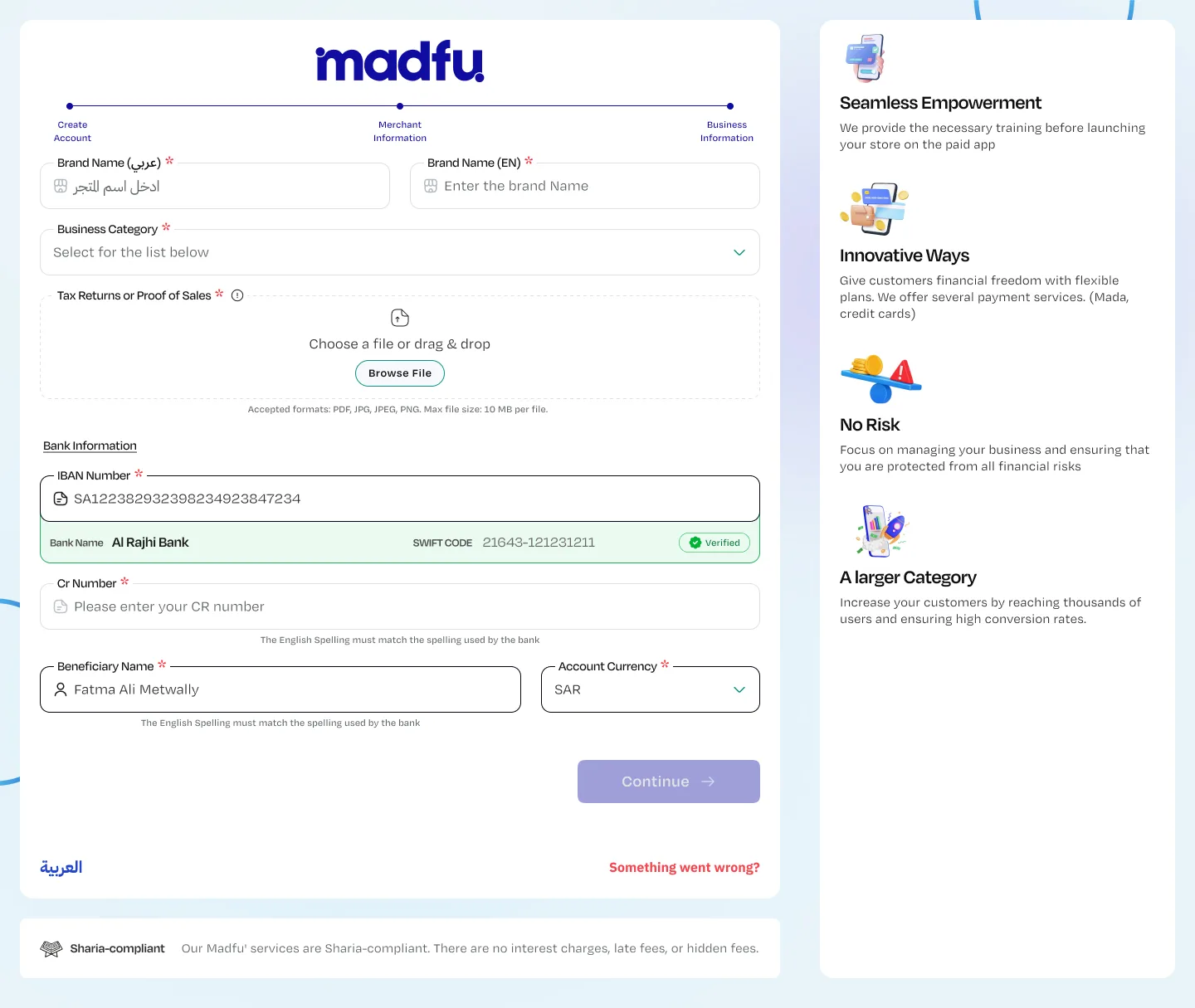
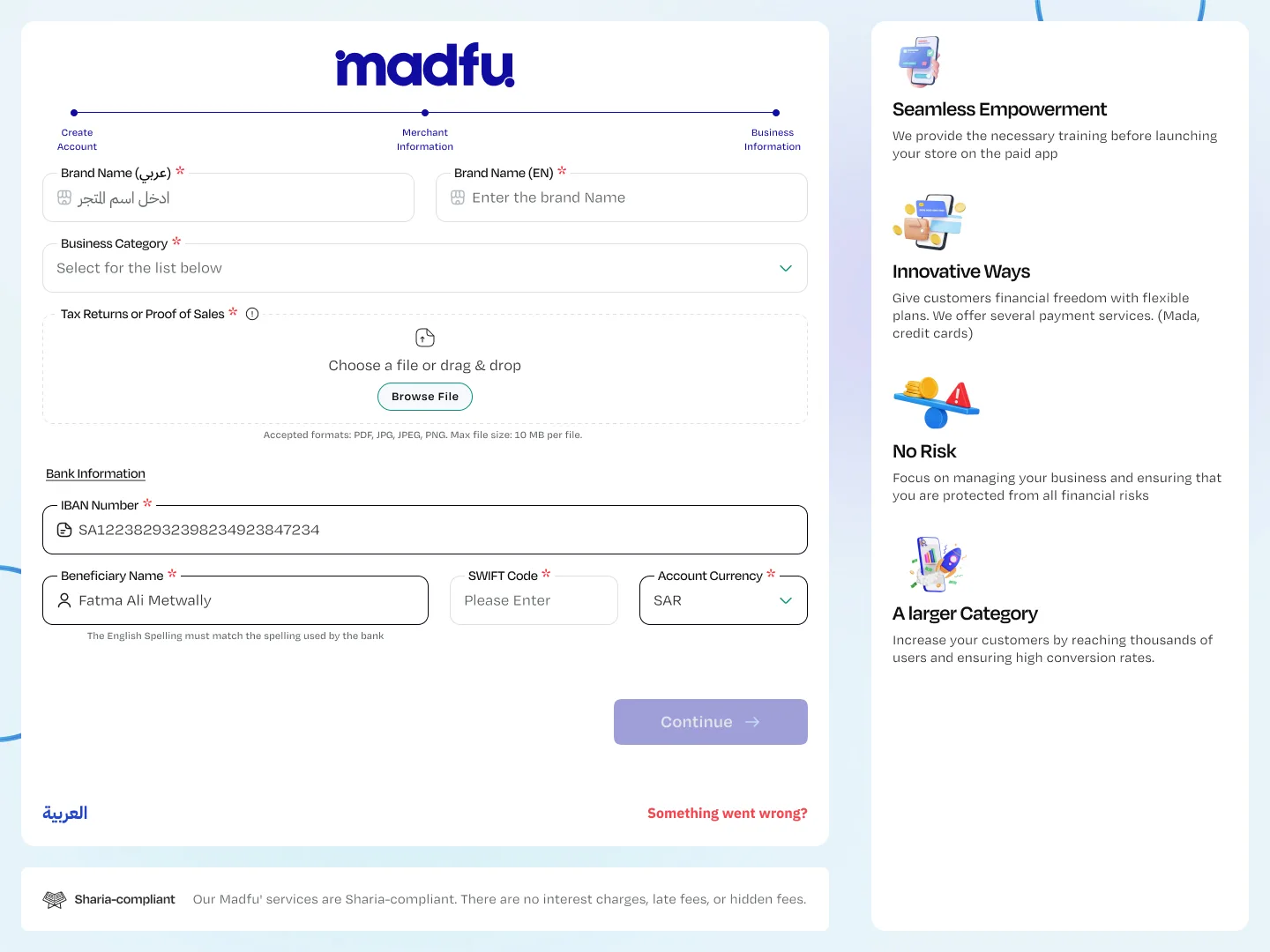
Brand name in both Arabic and English. Business category. Tax returns or proof of sales uploaded. Then bank information: the merchant enters their IBAN, and SPARE verifies it instantly — returning the bank name and SWIFT code automatically, displayed with a verified badge. The merchant doesn't need to look anything up. If SPARE fails, the form allows manual input so the process doesn't break.
Summary & Submit
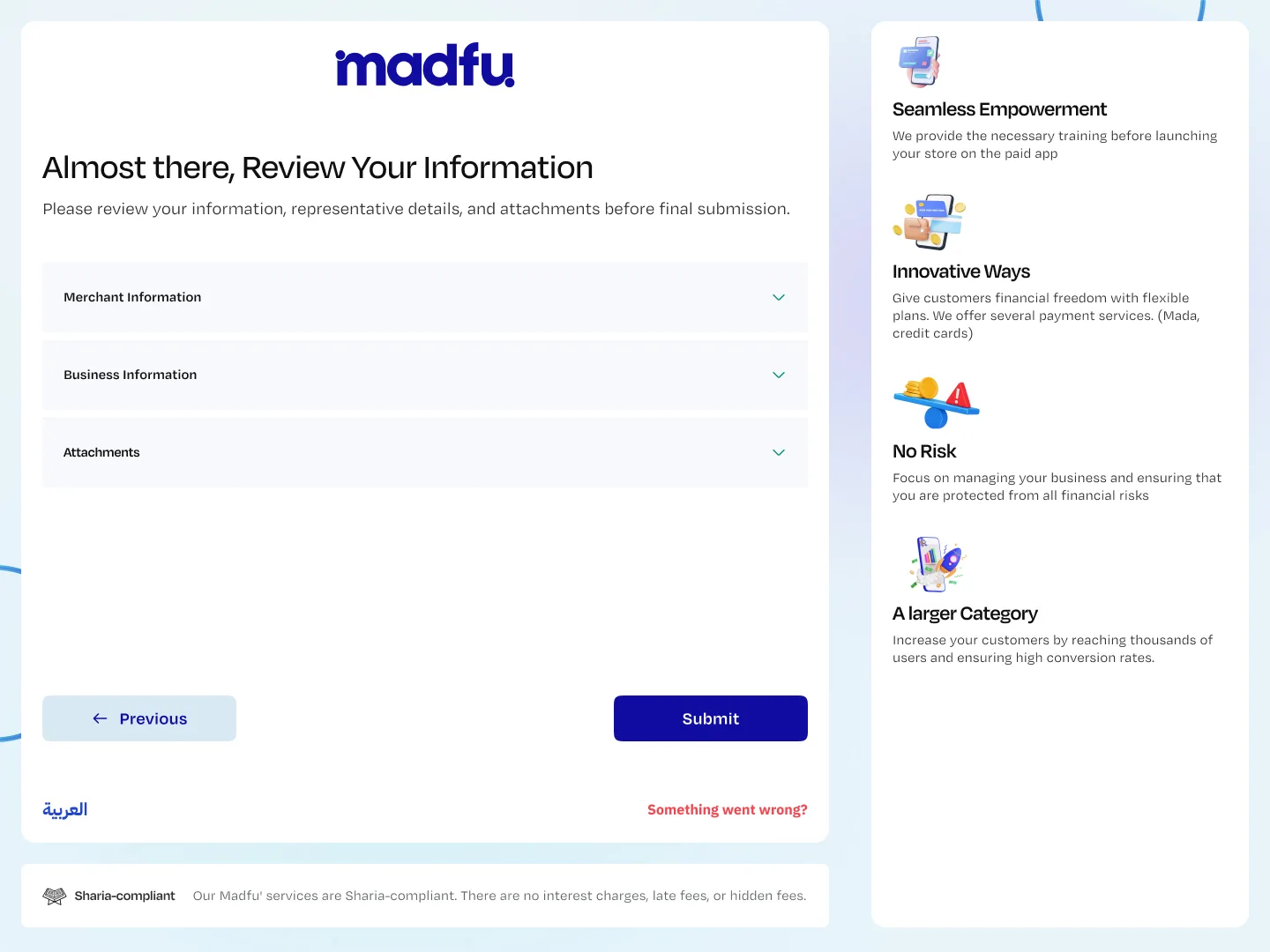
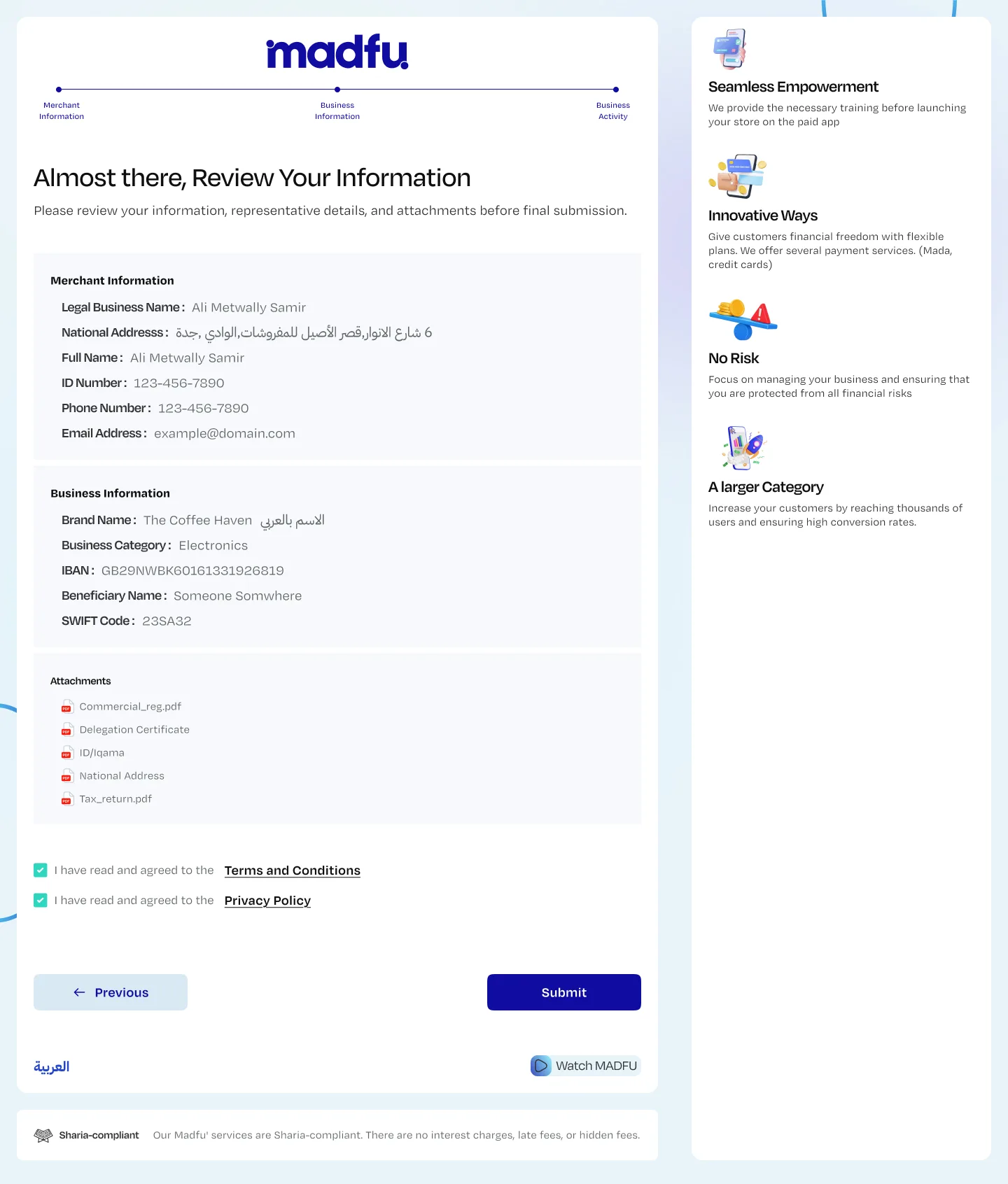
Before final submission, every piece of information is presented in a collapsible review — Merchant Information, Business Information, and all uploaded attachments — with a final Terms & Conditions and Privacy Policy confirmation.
On submit, all data is pushed to AlMasmak as a pre-approved submission. The admin team reviews only for Finance of Terrorism compliance. Everything else has already been verified.
Self-onboarding portal — complete flow in sequence
The Integration Architecture
What made self-onboarding possible wasn't just the UX — it was building 11 API integrations directly into the flow, replacing every manual verification step with a real-time automated check. The merchant never sees the complexity. They see a form. The 11 integrations run underneath it.
| # | Integration | Purpose | Phase |
|---|---|---|---|
| 1 | SMS Gateway | OTP phone verification | Lead Gen |
| 2 | Al-Masmak High Revenue | Route >20M SAR leads to dedicated sales pipeline | Lead Gen |
| 3 | Al-Masmak Rejection | Track offer rejections with reasons | Lead Gen |
| 4 | Email Server | Account email verification | Onboarding |
| 5 | WATHQ | Business ownership verification & legal name retrieval | Onboarding |
| 6 | SPL | National address retrieval from government records | Onboarding |
| 7 | ELM | Verify phone number matches registered ID | Onboarding |
| 8 | SPARE | IBAN verification & automatic bank details retrieval | Onboarding |
| 9 | Al-Masmak Onboarding | Complete merchant data submission as pre-approved record | Onboarding |
| 10 | Al-Masmak Callback | Approval or rejection notification to merchant | Post-Submit |
| 11 | Al-Masmak Support | Issue reporting & support tickets at any phase | Any Phase |
What This Changed
The old process required human involvement at every verification step. The new flow handles those checks automatically, in real time, without the merchant knowing they're happening. What required days of back-and-forth now completes in under 10 minutes — at the merchant's own pace, on their own time, without waiting for anyone.
Premium merchants are identified early and routed to a dedicated experience. Merchants who decline the offer are tracked. Merchants who submit arrive in AlMasmak pre-verified and ready for a single compliance check. The complexity is real — branching logic for freelancers vs. registered businesses, fallback paths when APIs return no data, dual verification routes for IBAN. But none of that complexity is visible to the merchant.
What This Comes Down To
B2B onboarding fails when it treats businesses like forms to be processed. A merchant deciding whether to partner with a fintech platform is making a trust decision — and every moment of silence, every manual follow-up, every unexplained delay chips away at that trust before the relationship even begins.
The redesign reversed that. It leads with value, asks only what's necessary, verifies in the background, and gives merchants control over their own journey.
The result is an experience that respects the merchant's time — and a backend process that actually scales.
The flow diagram shows the real complexity — branching paths, fallback states, dual verification routes. But the merchant never sees the diagram. They see a clean, step-by-step process that tells them where they are, what comes next, and what they're getting out of it. That gap between the complexity underneath and the simplicity on screen is the design work.